This feature will allow you to copy and paste text between devices. This guide will show you how to:
Access the clipboard icon and options.
Copy from a remote device and paste to your own device.
Copy from a remote device and paste to another remote device.
Copy from your own device and paste to a remote device.
How to use the Sync Clipboard option.
Accessing the Clipboard icon
To access this feature, you must first be in thumbnail view.

Then select the thumbnail you wish to take control of by clicking on it.
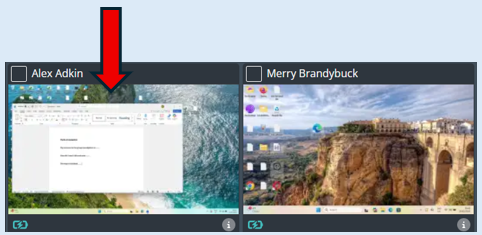
Once selected the thumbnail will enter full screen mode.
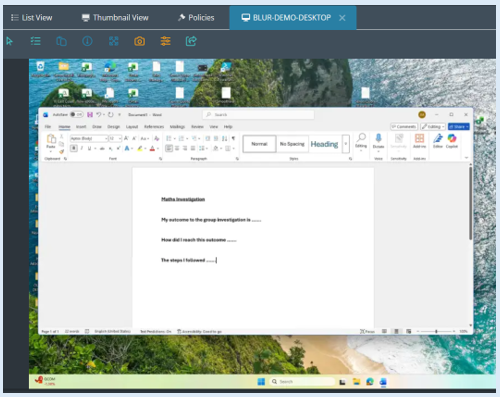
The clipboard icon will now appear in the toolbar.

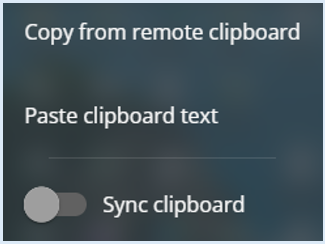
Select this icon and an options box will appear.
Copying text from a remote device - Pasting to own device
Select the device you wish to copy text from by clicking the thumbnail.
Take remote control of the device.

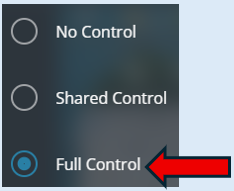
You now have remote control of the selected device, highlight the text that you wish to copy.
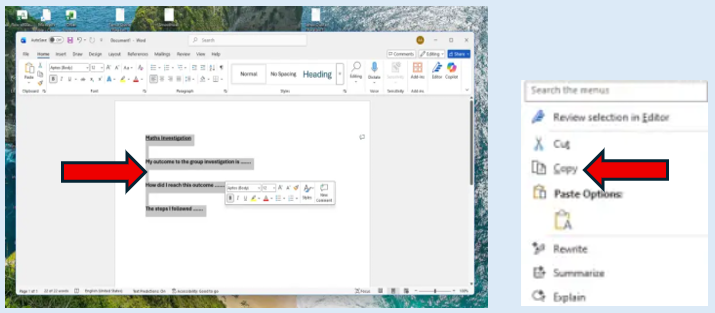
Right click your mouse and select copy from the options box that has opened.
Select ‘Copy from remote clipboard’.
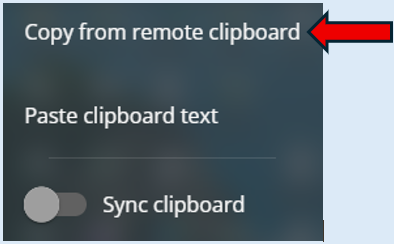
The Clipboard icon will be highlighted grey to confirm your selection.

You will now be able to paste this text into a compatible application on your device.
Copying text from a remote device - Pasting to another remote device
Repeat the process as stated above to the point that you have selected the ‘Copy from remote device’ icon.
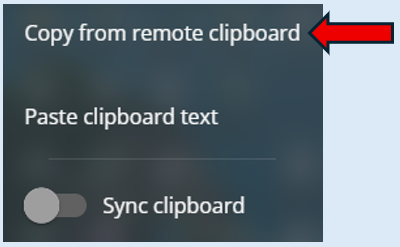
Select the remote device that you wish to copy the text to and take remote control of it as explained above.
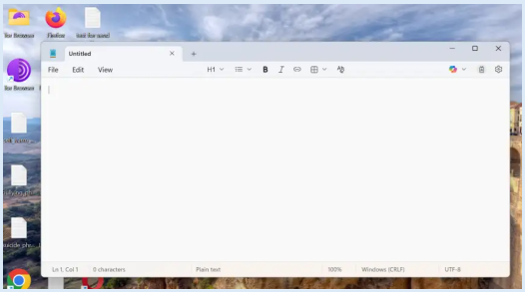
The remote device that you wish to paste the text to must have a compatible application open.
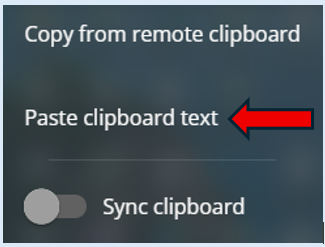
From the clip board options, select ‘Paste clipboard text’.
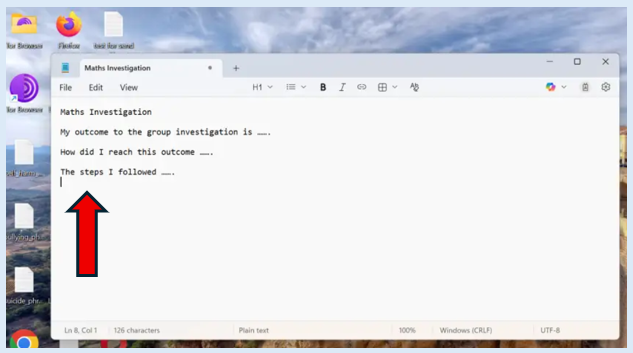
The text has now been copied into the selected application.
Copy text from own device to a remote device
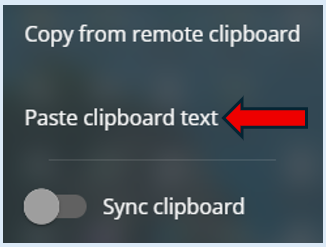
To do this simply copy the text from the application which is on your own device. Take control of a remote device. Click into the application you wish to paste your text into and finally select ‘Paste clipboard text’.
Sync Clipboard
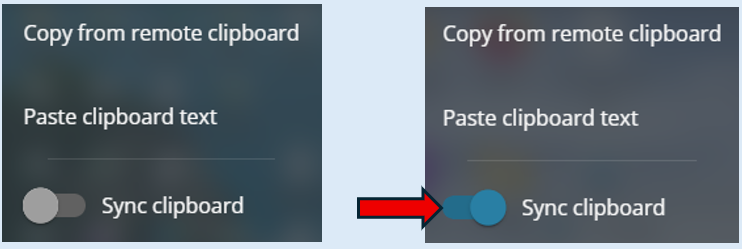
This will sync the clipboard contents across your device and the remote device by automatically sharing and updating copied text between them.
Turn the toggle button to the ‘On’ position.