
This functionality can only be accessed when you have selected a thumbnail to view. It will show you all the active applications currently on the device and provide the ability for you to close any of them down.
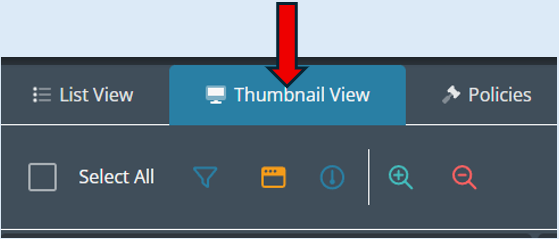
To access this functionality, select the ‘Thumbnail View’ if not already in this view.
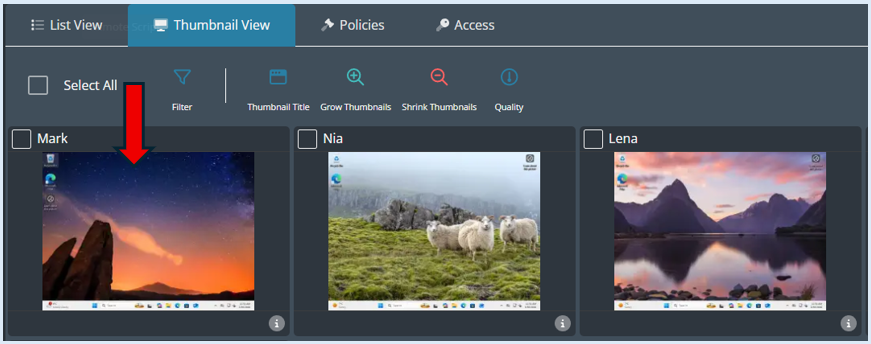
All the devices in your current group will show as a thumbnail. Select the device you wish to view by clicking anywhere on the thumbnail.
The thumbnail selected will enlarge and be the only device you are currently viewing.
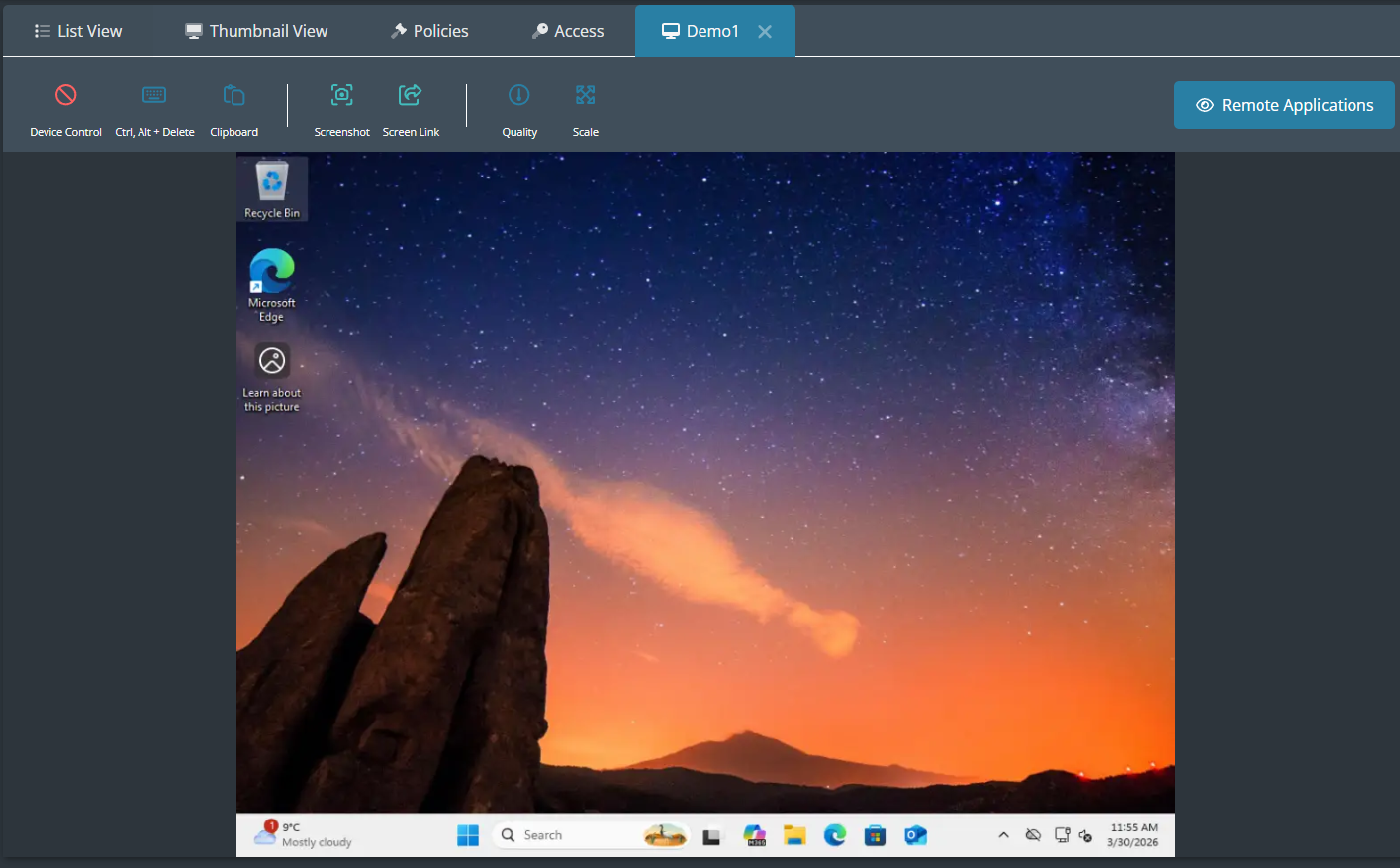
The ‘Remote Applications’ option will open on the right-hand side of the thumbnail.
Click on this button to access the list of open applications currently running on the device.
The drop-down is showing that the device has three applications running. To close any of the applications, select the cross next to it.
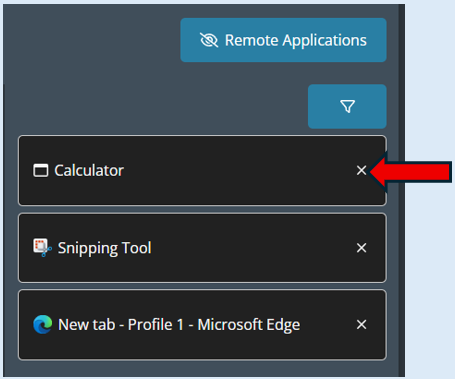
If you would like to filter the list, select the ‘Filter’ icon’. This will provide two options.
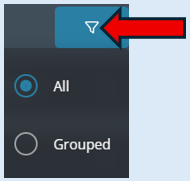
The default is set to ‘All’ the additional option will group the applications into type.