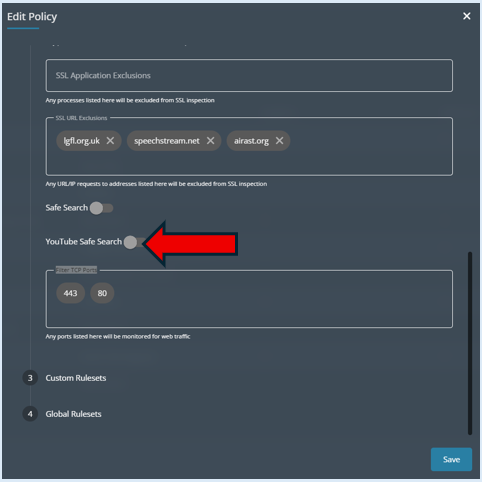
This guide will show you how to turn on Safe Search within a Logging Policy and the impact it will have on different operating systems.
To access the Logging Policy section, you will first need to access the ‘Admin Centre’.

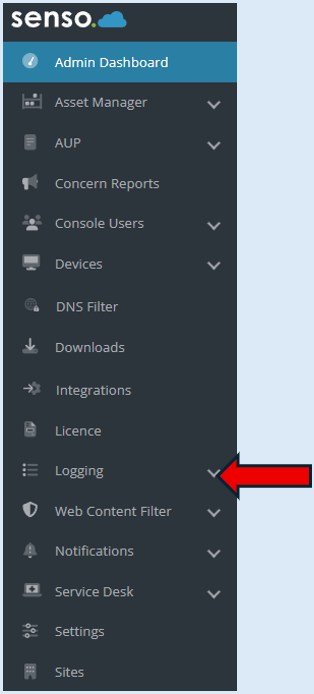
Select ‘Logging’.
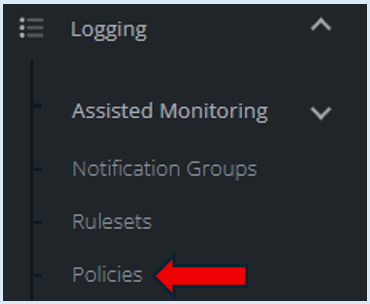
Select ‘Policies’.
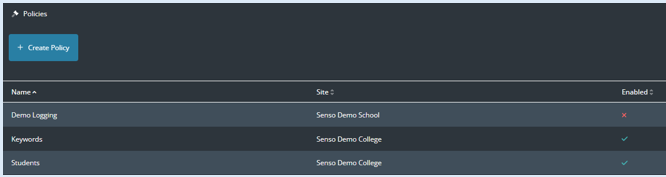
This will provide a list of policies. Within each policy there is the option to switch on ‘Safe Search’.
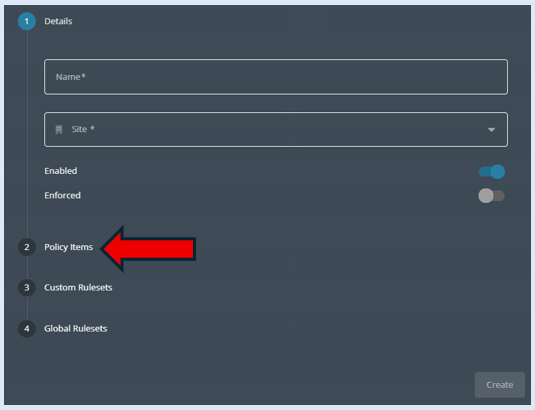
Open a policy, to locate the ‘Safe Search’ option, click on step 2 ‘Policy Items’.
To activate ‘Safe Search’ toggle to the ‘On’ position.
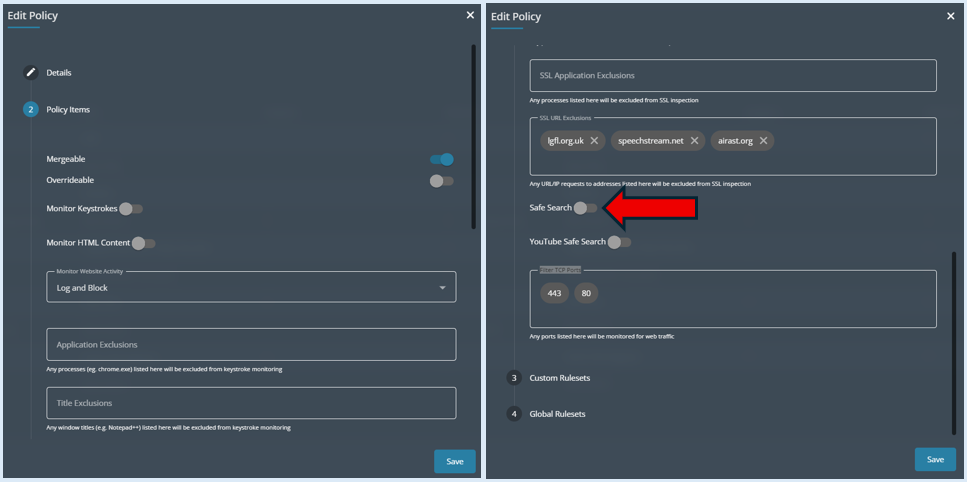

Now ‘Safe Search’ has been enabled it will work with the following:
Windows -
Yahoo (except Yahoo Japan which it will prevent access to as you need to login to enable safe search)
Bing
DuckDuckGo
It will also enable YouTube restricted mode
Chromebook -
Yahoo (except Yahoo Japan which it will prevent access to as you need to login to enable safe search)
Bing
DuckDuckGo
It will also enable YouTube restricted mode
IOS -
There is also an option to turn on Safe Search within YouTube. To activate ‘YouTube Safe Search’, toggle to the ‘On’ position.